
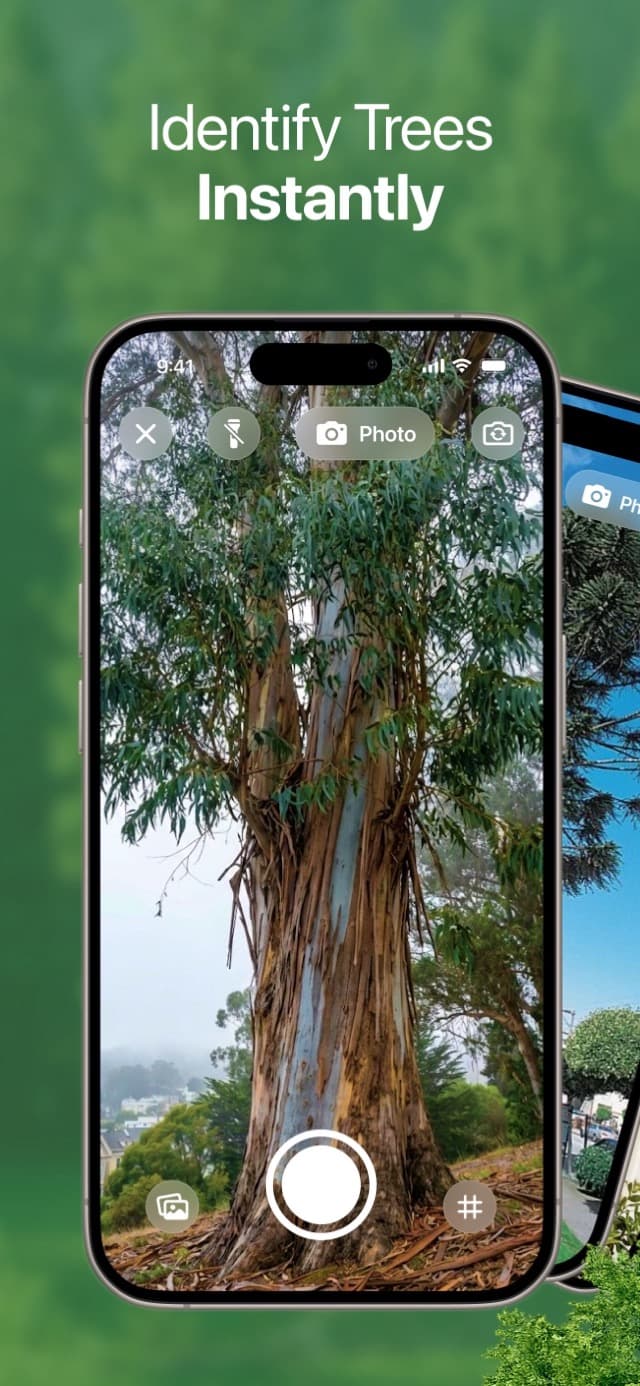
Made for Real Outdoor Walks
Tree Identifier App for Bark, Leaves, and Photos
Photograph bark, leaves, branches, or the whole tree to find a likely species. Review names, habitat, visible health clues, and save confirmed discoveries to your map.
Search a Nature Guide with 10,000+ Species
- ✓Identify trees from bark, leaves, or whole-tree photos
- ✓Read species traits, native region, and visible health context
- ✓Save discoveries and find them again on your Tree Map


Rated 4.2 from 72 App Store ratings. Also available on Android.
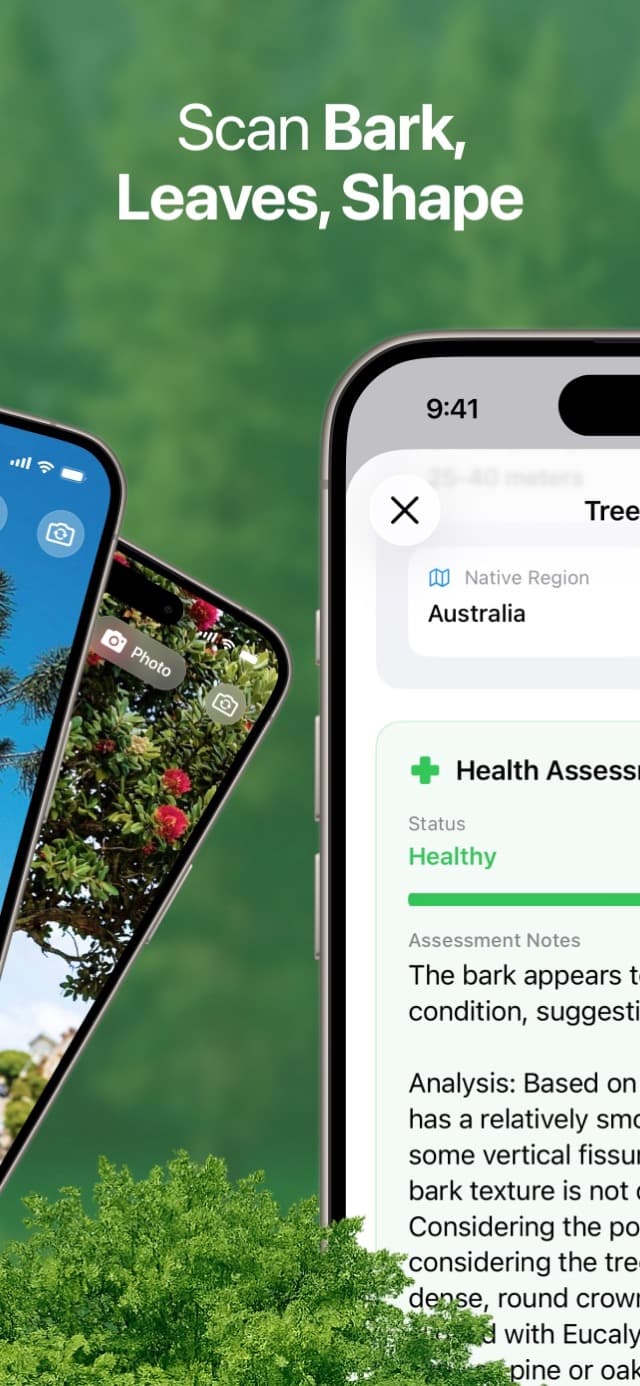
A practical photo match
Start with bark, leaves, or overall shape and compare the likely species while the tree is in front of you.
Details beyond the name
Review family, habitat, characteristics, conservation context, and a visual health assessment.
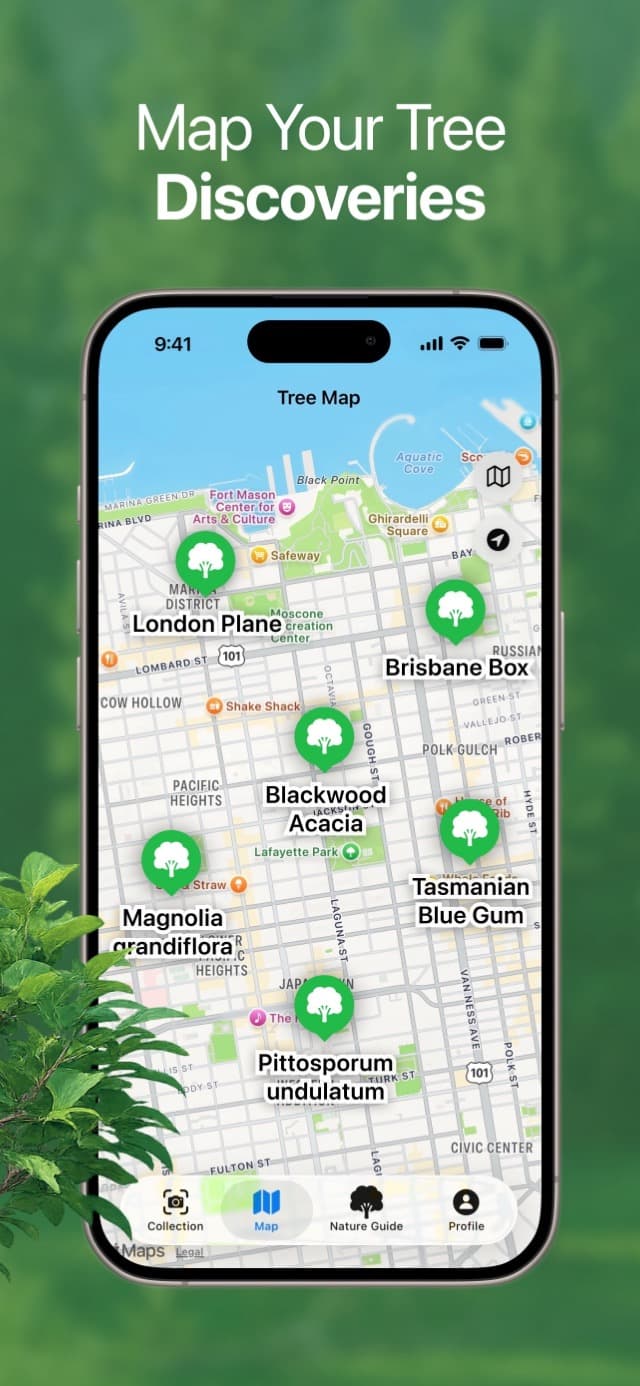
A map you can revisit
Save confirmed discoveries, return to the same trees, and compare how they change through the seasons.
What People Use It For
Useful from the first tree you stop at
Neighborhood tree walksGarden and yard identificationPark visits with kidsQuick bark checks in winterMapped tree discoveries
Why TreeBarkId Feels Better in the Field
The app is designed to help regular people decide what they are looking at without turning a simple walk into a research project.
Fast bark identification
Use bark texture, color, spacing, and trunk patterns to narrow down likely species quickly.
Tree details that are easy to read
Get names, context, and health clues in plain language instead of technical overload.
Helpful plant context
Nearby species, habitat clues, and plant context help make each identification more believable.
Map and personal collection
Save identified trees with their locations and return to the same discoveries on later walks.
Built for Real Use
More than a single screenshot result
TreeBarkId is designed for real-world identification moments: when the bark is rough, the light is mixed, or you want to compare several trees before deciding what makes the most sense.
- •Works well for bark-first tree identification during leaf-off seasons
- •Makes plant and habitat context easier to understand at a glance
- •Keeps species details and saved locations together for later checks
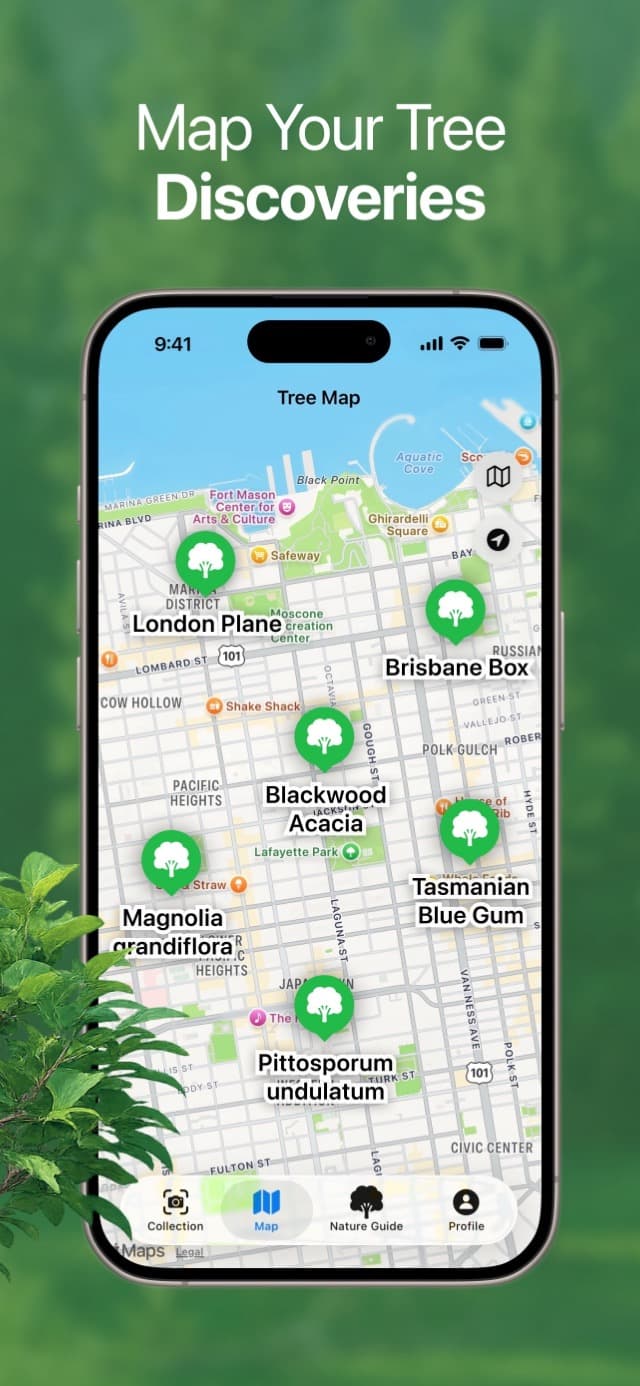
On the trail
Photograph bark and whole-tree shape, confirm the strongest match, and save the location for a return visit.
In the neighborhood
Figure out what is lining a street, planted in a courtyard, or growing around your block without breaking the flow of your walk.
At home
Check yard trees, ornamentals, and nearby plants when you want a simple answer before pruning, planting, or learning more.
How It Works
A calm, simple flow from photo to answer
STEP 1
Take a bark photo
Capture a clean close view of the trunk texture.
STEP 2
Review likely matches
See the strongest bark and species matches in seconds.
STEP 3
Check details and confidence
Read plain-language clues before you decide what fits best.
STEP 4
Save the discovery
Add the confirmed tree to your collection and find it again on the map.
See Inside the App
A cleaner way to identify trees, compare bark, and keep moving.
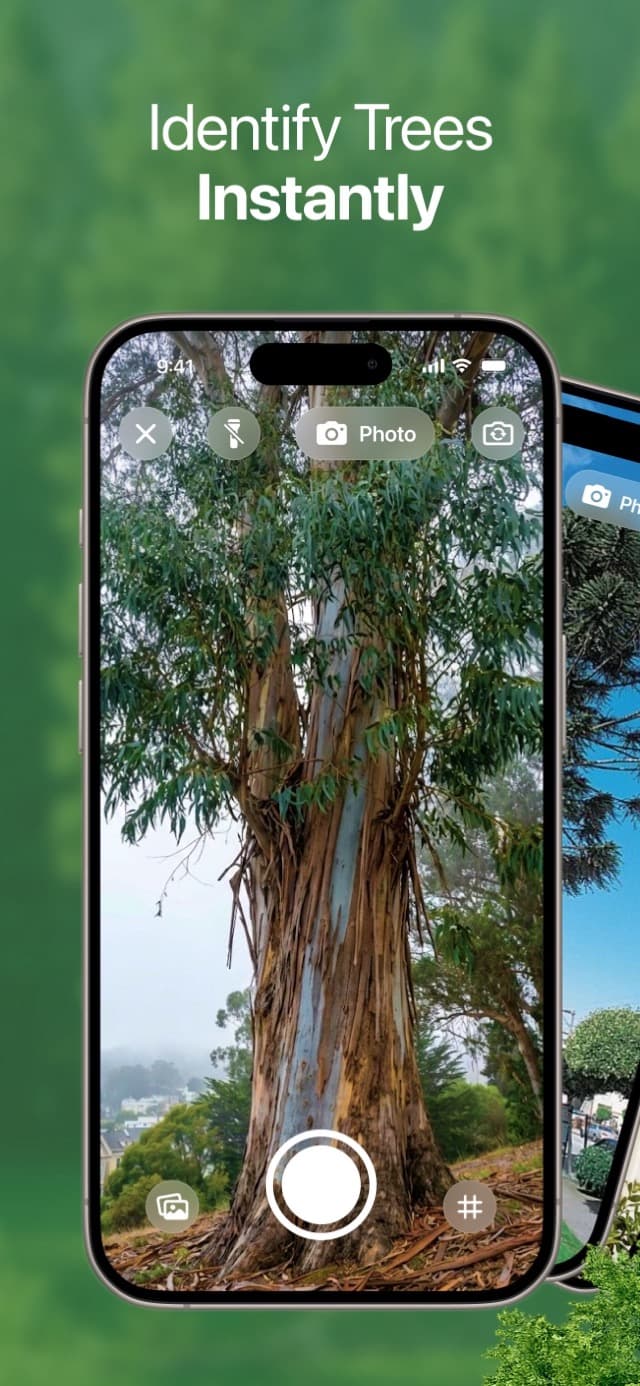
IDENTIFY
Photograph bark, leaves, or the whole tree
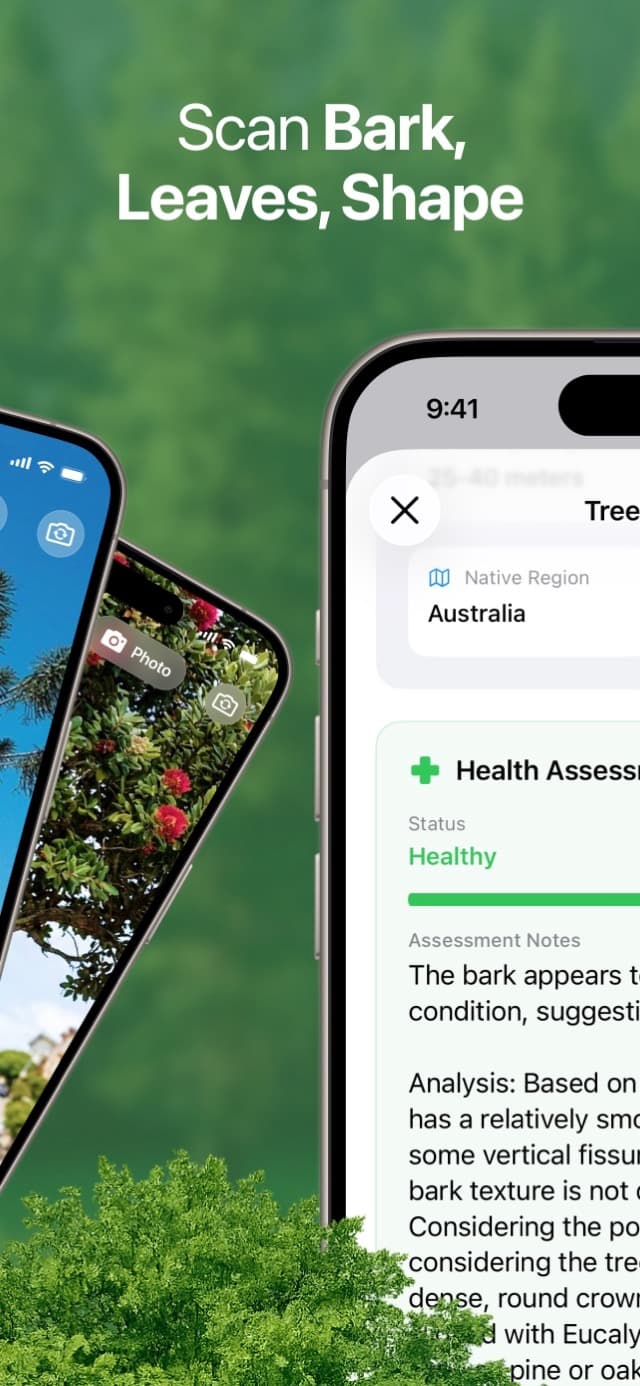
DETAILS
Review traits and visible health context
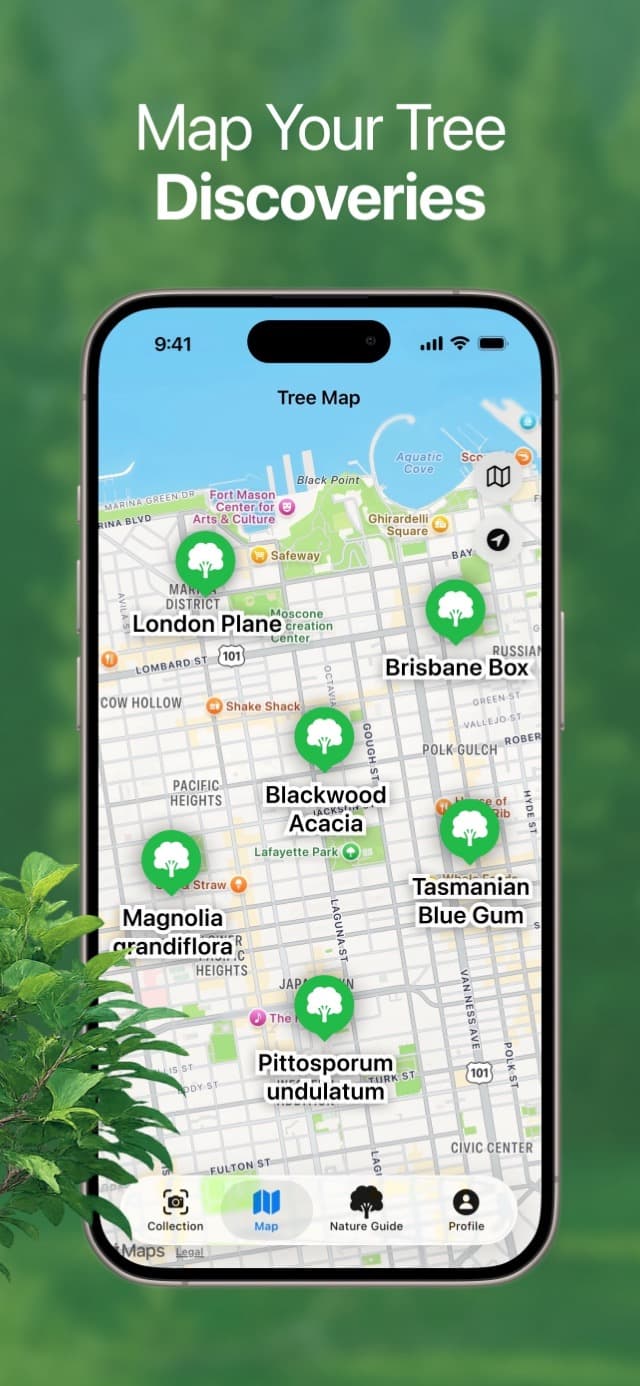
MAP
Return to saved tree discoveries
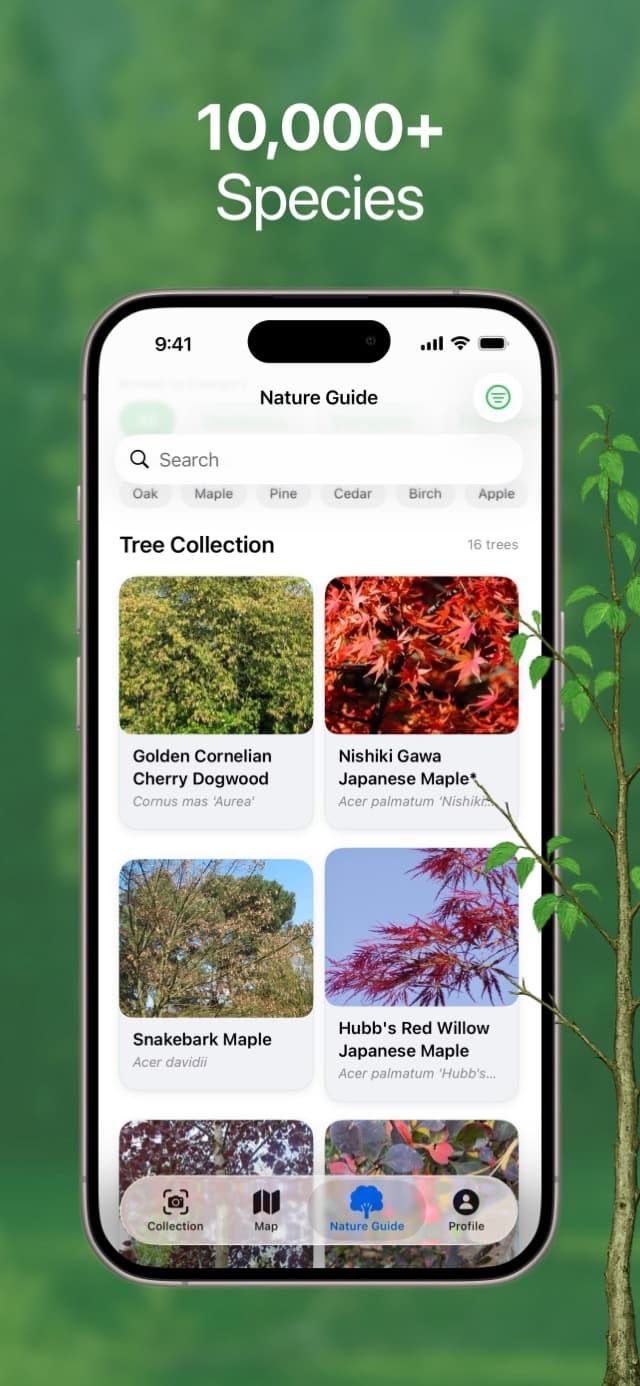
GUIDE
Search a guide with 10,000+ species
What You Can Explore
Keep going after the first identification
TreeBarkId connects each identification with readable species details, a searchable Nature Guide, and a map of the trees you have saved.
Tree identifier for fast stops
When you want a quick answer, the app gives you a strong starting point without slowing you down.
Bark identifier for tougher seasons
When leaves are gone or distance is limited, bark clues stay useful and easier to compare.
Tree map for repeat visits
Saved locations make it easier to revisit the same specimen and confirm it in another season.
Tree identification guides
Learn the clues before your next photo
Practical field guides for bark, leafless trees, useful photos, visible health clues, and mapped discoveries.
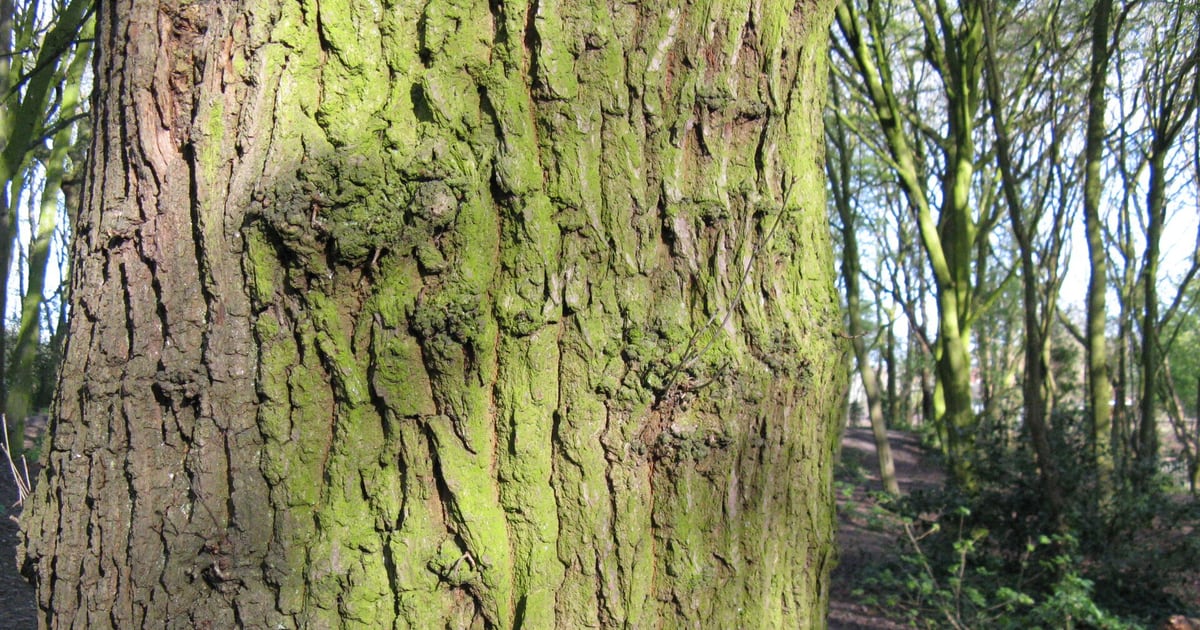
How to Identify a Tree from a Photo
Learn which tree photos produce useful matches, what details to capture, and how to verify a likely species before saving it.
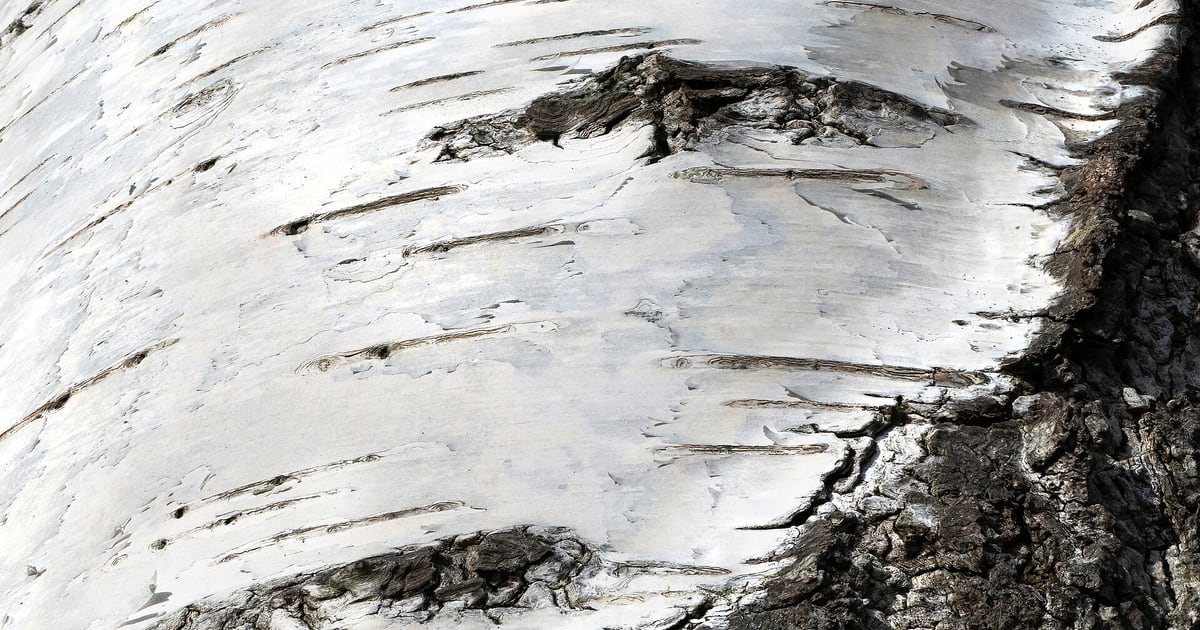
How to Identify a Tree by Bark
Use bark texture, pattern, color, and trunk context to narrow down a tree species, then confirm the match with other visible clues.
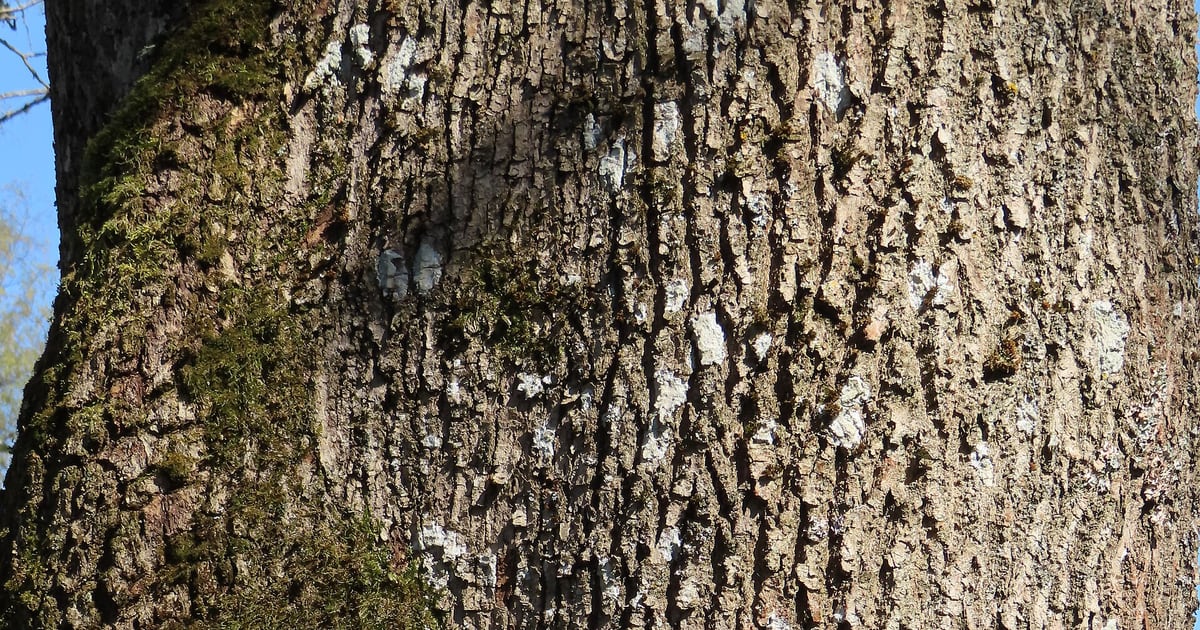
How to Identify a Tree Without Leaves
Identify a bare tree using bark, buds, twigs, branching pattern, silhouette, and persistent fruit during winter or leaf-off seasons.
Field Notes and Tips
Read practical tree and bark guides
The TreeBarkId blog is written for regular walks and real curiosity. Learn bark clues, tree habits, seasonal changes, and better photo techniques.
Frequently Asked Questions
Does TreeBarkId work without internet?
Tree and bark identification works best with a connection so the app can process the photo and return the clearest species guidance.
Is TreeBarkId only for experts?
No. It is designed for beginners, families, gardeners, and anyone who wants a more useful tree identifier during a normal walk.
What makes bark identification easier in this app?
The app emphasizes bark texture, spacing, and visual patterns, then presents likely matches with context that is easier to compare outdoors.
Learn more →Can I save and map the trees I identify?
Yes. Confirmed discoveries can be saved to your collection and displayed on the Tree Map so you can return to the same specimens later.
Learn more →Can I use it as a plant identifier too?
Yes. TreeBarkId focuses on tree identification first, but it also uses plant and habitat context to support better decisions.
Does it help with winter tree identification?
Yes. The bark-first workflow is especially helpful when leaves are missing and bark becomes the clearest visual clue available.
Learn more →How should I take photos for better results?
Use good light when possible, keep the trunk centered, and take a clean bark shot. Adding one wider context photo can help when several species look similar.
Learn more →Can TreeBarkId tell whether a tree is healthy?
TreeBarkId provides a visual health assessment from the photo, but it cannot inspect roots, internal decay, or structural risk. Use an arborist for safety or treatment decisions.
Learn more →Is TreeBarkId available on iPhone and Android?
Yes. The app is available on both platforms with photo-based tree identification, species details, and saved discoveries.
Can I keep learning after I identify one tree?
Yes. You can keep exploring species details, compare nearby options, and use the blog to improve your tree and bark identification over time.
Take TreeBarkId on your next walk
Download the app, check the trees around you, and turn everyday curiosity into a collection you can revisit.