TreeBarkId Field Guide
Batch Scan Guide: Compare similar trunks Faster
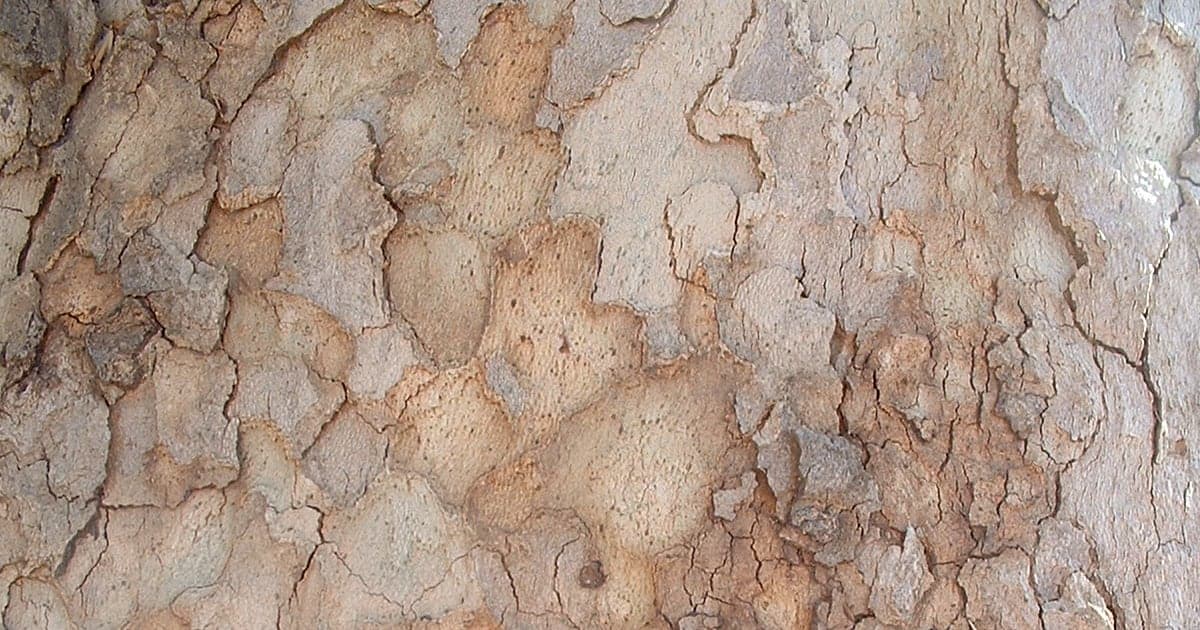
Batch scan is most useful when similar trunks start blending together. Instead of restarting every time, you can capture several trunks and review likely matches in one calm sequence.
Try using batch scan through park paths, especially when the same family of trees repeats and small bark differences are easy to miss from memory alone.
A simple routine works best: one close bark image, one quick wider check if needed, then move to the next trunk. After a short run, compare the results side by side before deciding what feels most consistent.
This is especially effective for plane trees, where young and mature examples can look similar at a distance but show different bark confidence once reviewed together.
Batch scan turns a walk into a cleaner comparison workflow. It saves time, reduces second-guessing, and makes tree identification feel much more organized.